
How to Use AI to Create the Perfect India Travel Itinerary
By KindQuest Travel
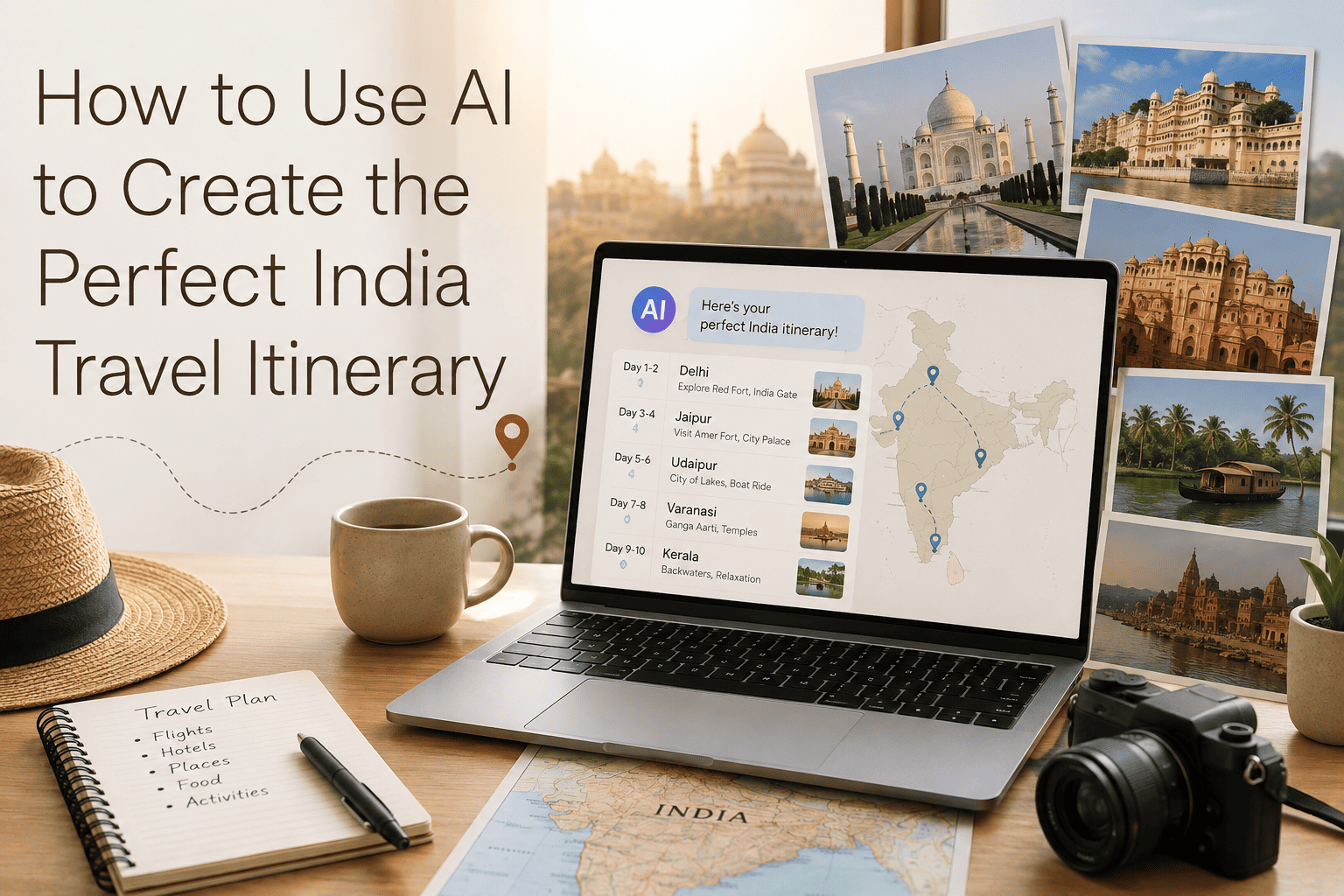
Ask an AI tool to "plan a trip to India" and it will hand back something that reads well and falls apart the moment you try to actually follow it: impossible driving distances squeezed into a single afternoon, a monsoon-season Rajasthan desert safari, a Varanasi sunrise boat ride scheduled for 11 AM. The problem is rarely the AI itself — it's almost always the prompt, since a country this vast and varied needs far more input than a single vague request.
Why India Specifically Trips Up Generic AI Prompts
India's size and regional diversity make it uniquely prone to bad AI-generated itineraries. A route that looks reasonable on a world map can represent a full day of travel on the ground. Climate adds another layer — the right time to visit Kerala's backwaters, Ladakh's high passes and Rajasthan's desert forts can differ by months, and a single itinerary spanning multiple regions needs to account for that.
A Step-by-Step Approach to Prompting AI
1. Start With Constraints, Not Destinations
Before naming a single place, give the AI your actual constraints: total days, starting and ending city, approximate budget, and travel style. This alone eliminates most impossible itineraries, since it forces the plan to work backward from what's realistically achievable.
2. Specify the Season and Exact Dates
Specify the actual month or dates and explicitly ask the AI to flag any regions on the route that are a poor fit for that season — monsoon rains, extreme heat, or high-altitude road closures.
3. Ask for Realistic Travel Times Between Every Stop
Explicitly request the mode of transport and approximate travel time between each stop, not just a list of destinations — a plan that states travel time honestly is far easier to sanity-check against a map afterward.
4. Request Buffer Days, Not a Fully Packed Schedule
Ask for one buffer day per week of travel, and instruct the AI not to schedule activities on arrival or departure days involving a flight or long drive.
5. Ask It to Separate Must-Do From Optional
Request that the itinerary clearly separate the highest-priority experiences from optional add-ons, so it's immediately clear what can be dropped if a day runs long.
6. Iterate Rather Than Accept the First Draft
Treat the first itinerary as a working draft. Follow up with specific pushback — swap a destination, tighten a rushed leg, add a specific experience — since AI genuinely improves an itinerary through two or three rounds of refinement.
What AI Is Genuinely Good At
AI is excellent at generating a first-draft structure quickly, suggesting lesser-known alternatives to overcrowded destinations, and cross-referencing multiple constraints faster than manual research typically allows. It's also useful for drafting packing lists, rough budget breakdowns and a list of practical questions to research further.
Where to Still Double-Check Before Booking
Always verify current opening hours, entry requirements and seasonal closures for major monuments directly, since this kind of time-sensitive detail is exactly where AI tools are most likely to be outdated. The same applies to current train and flight schedules, visa requirements, and safety advisories for a specific region.
The difference between an AI-generated India itinerary that actually works and one that falls apart on day two almost always comes down to how much real constraint was given upfront. Treat the first response as a starting draft, push back on anything that looks rushed, and verify the time-sensitive details separately.